ACE listens.
You present.
AI-powered live presentation for worship, conferences, lectures, and theater. ACE listens to the room and pushes the right slide — automatically.
Free tier available · macOS 14+ · Windows 10+ · Latest: v1.2.1
Plays nicely with the rest of your rig
 ACE
ACEMigrating from ProPresenter, made easy.
Five-stage wizard finds your local ProPresenter library, previews exactly what's coming across, then imports songs, sections, media, and playlists in one click.
Try the migrator →ProPresenter is a trademark of Renewed Vision. ACE is independent software and is not affiliated with or endorsed by Renewed Vision.
What ACE actually does
Local-first, latency-conscious, built for the kind of pressure where mistakes are visible.
Hears the room
Point a microphone at the stage and ACE starts listening. No configuration — it picks up what's being sung or spoken and keeps the right content on screen.
Finds the right slide
Songs, scripture, conference talks — matched against your library the moment they happen. No clicking to advance.
Drives your screens
Audience projector, stage monitor for the team, and a live operator preview — all controlled from one window on your Mac.
Stays live all service
Designed to run for hours without a restart. Handles the unpredictable moments — speaker goes off-script, song order changes last minute, a slide gets skipped.
Voice commands
“Next slide”, “clear screen”, “Bible mode”. Speak the command, keep your hands on other things.
Control from your phone
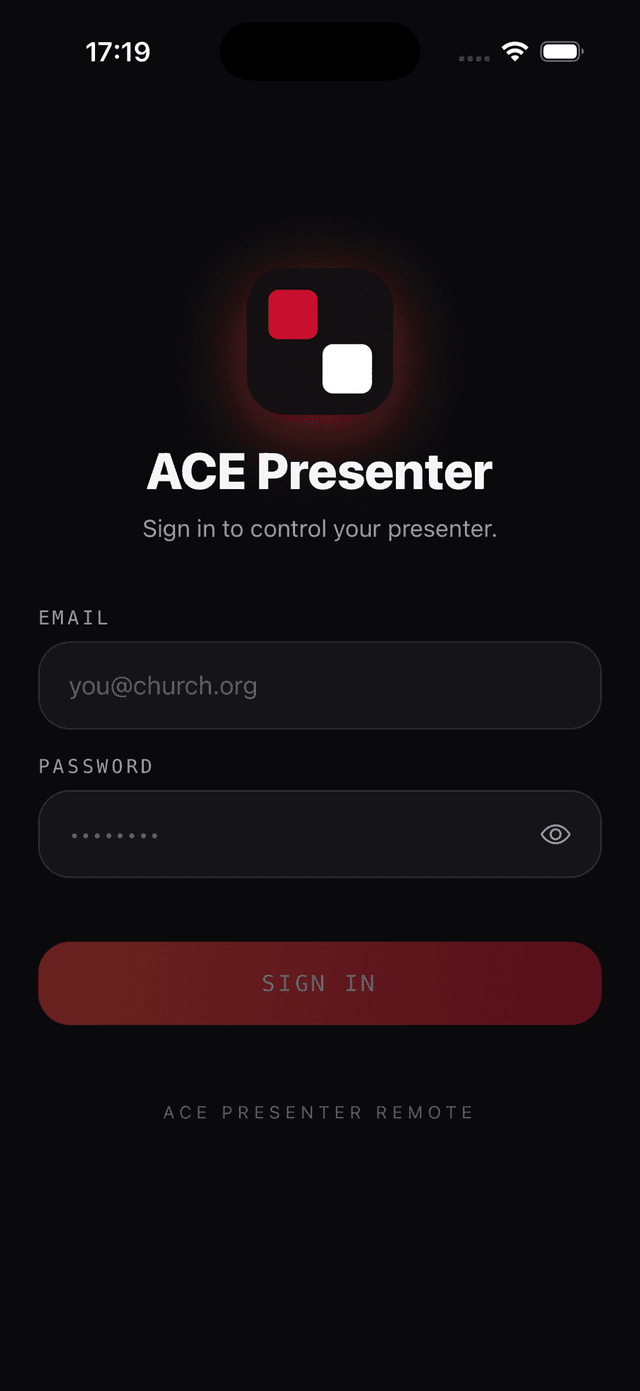
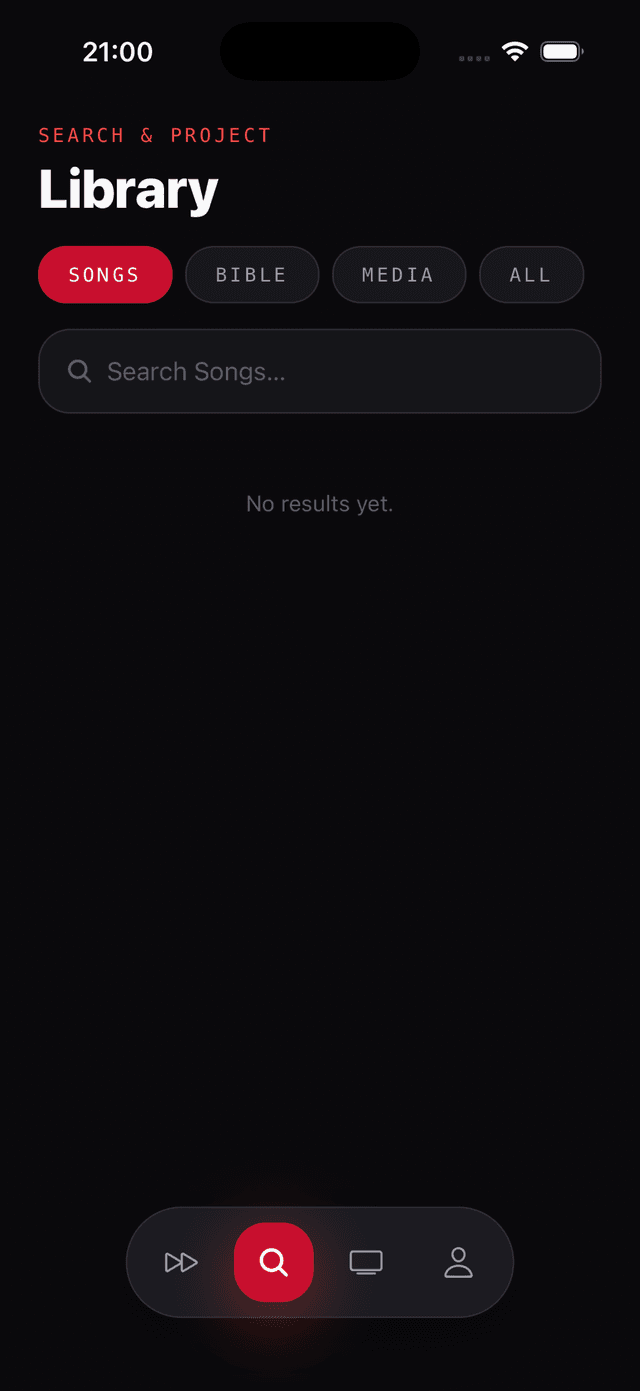
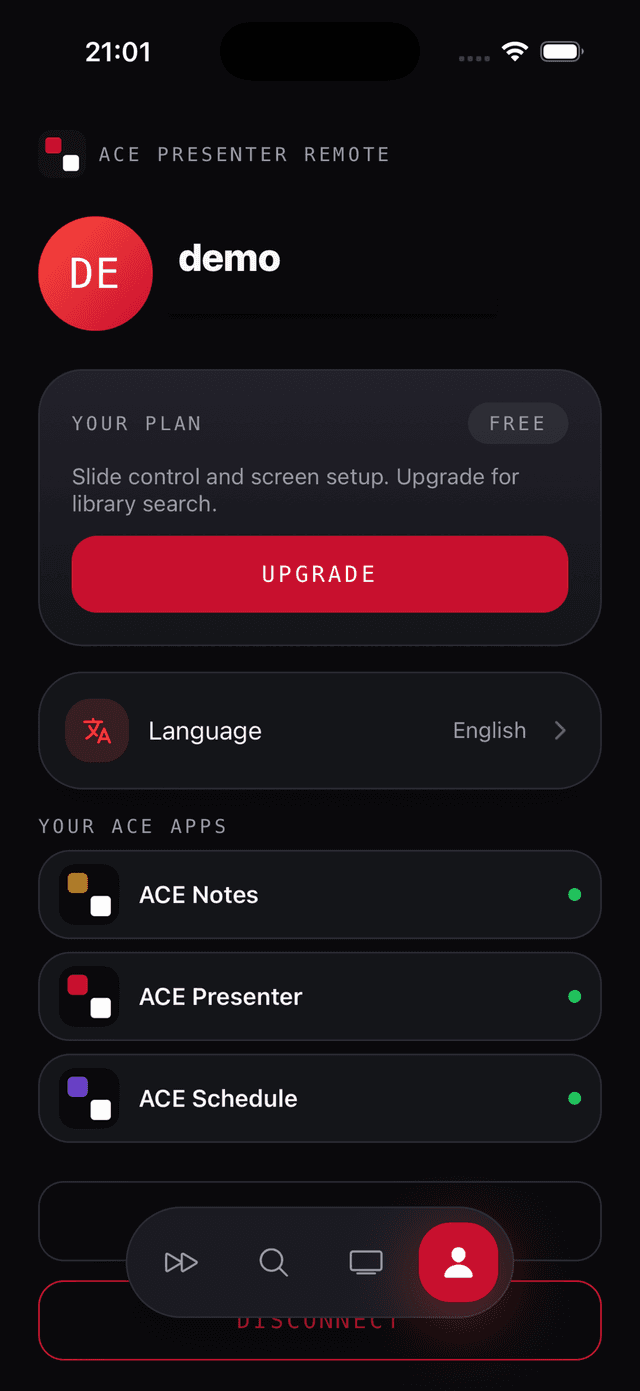
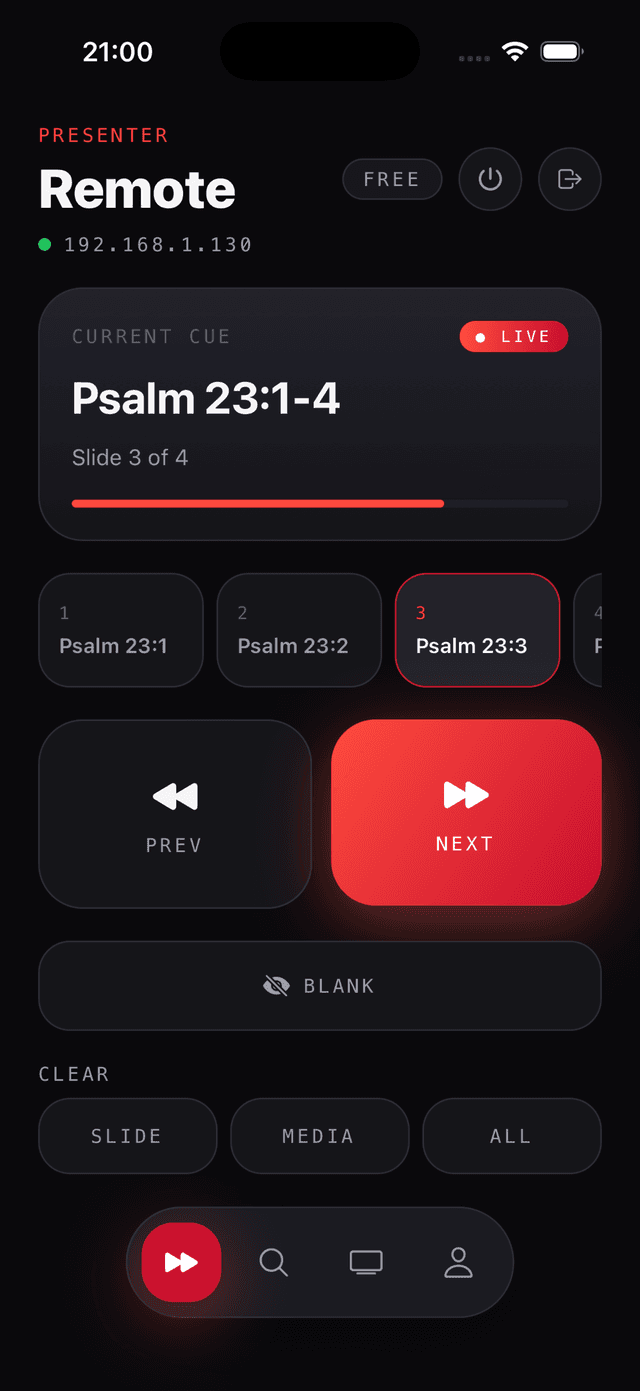
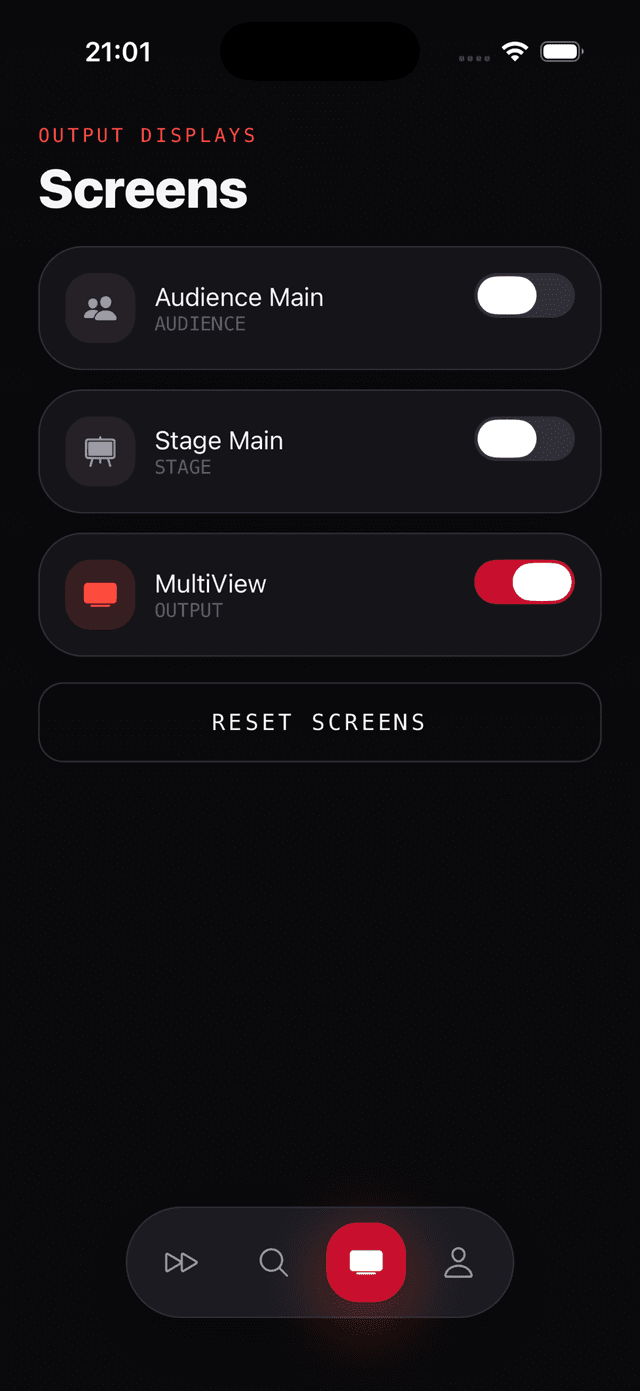
The ACE Remote app connects to your Mac over Wi-Fi. Advance slides, blank the screen, or jump to any slide from anywhere in the room — no clicker required.
Always up to date
New versions install in the background and are ready next time you launch — nothing interrupts a live service.
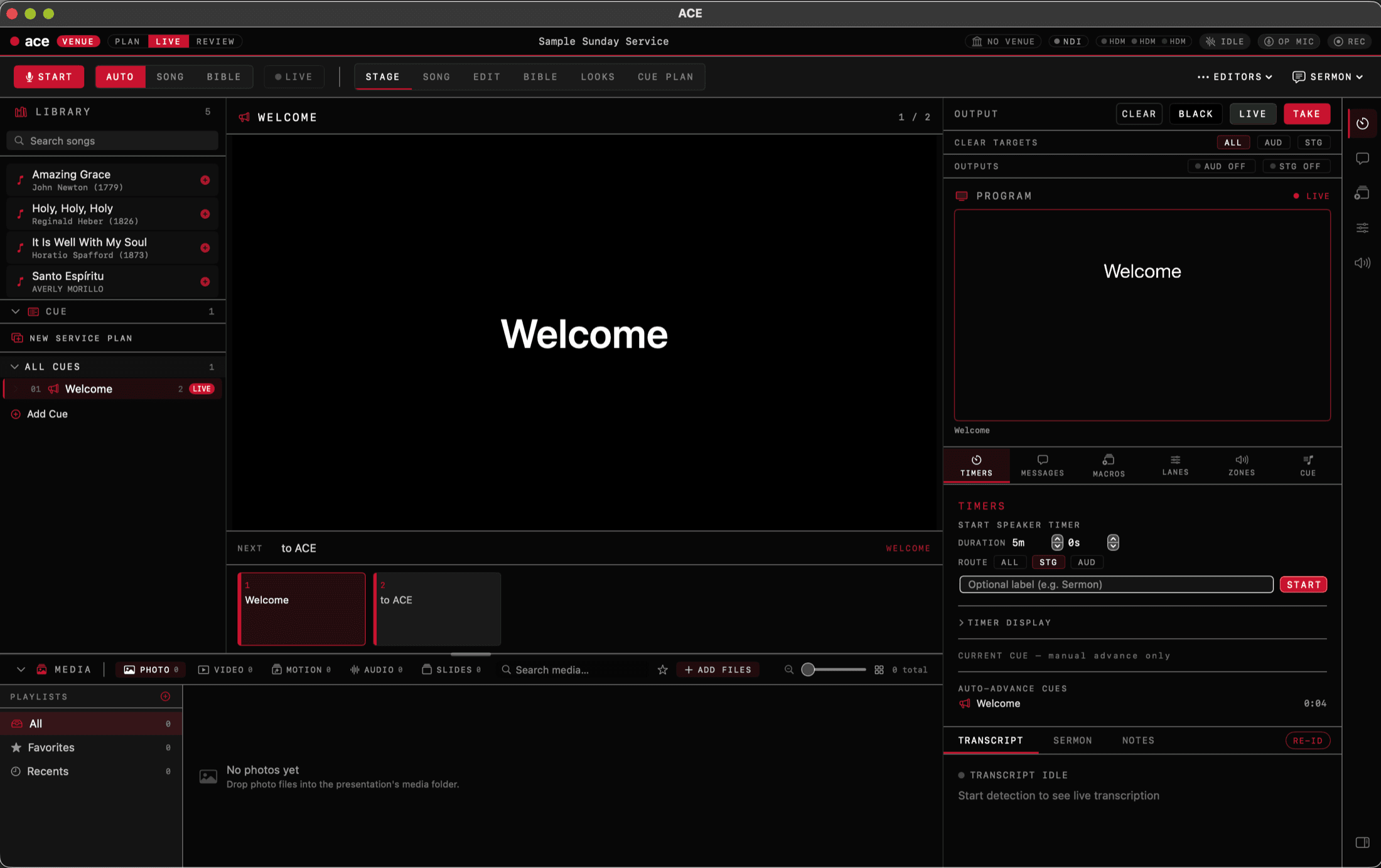
The whole service, in one window.
Library, stage output, themes, and program — everything an operator touches during a live service, built native for macOS.
Follows the song, line by line.
ACE hears the band and pushes the current lyric to the audience screen the moment it lands — with the next line staged and a live confidence read, so you always know what it's about to do.
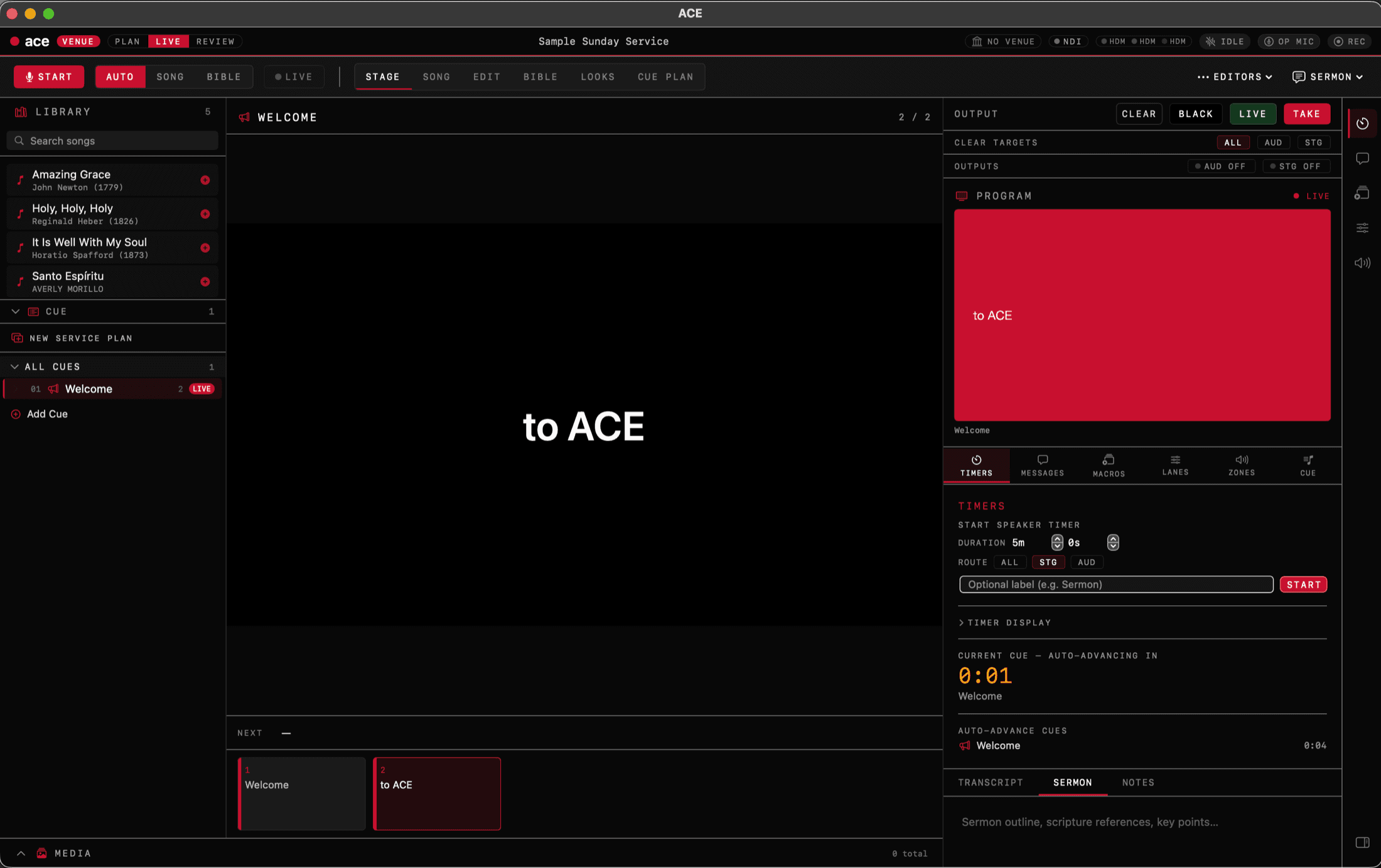
Every look, one click.
Build a Worship look and a Sermon look, then switch the whole presentation style — background, fonts, which layers are on — with a single click, per screen.
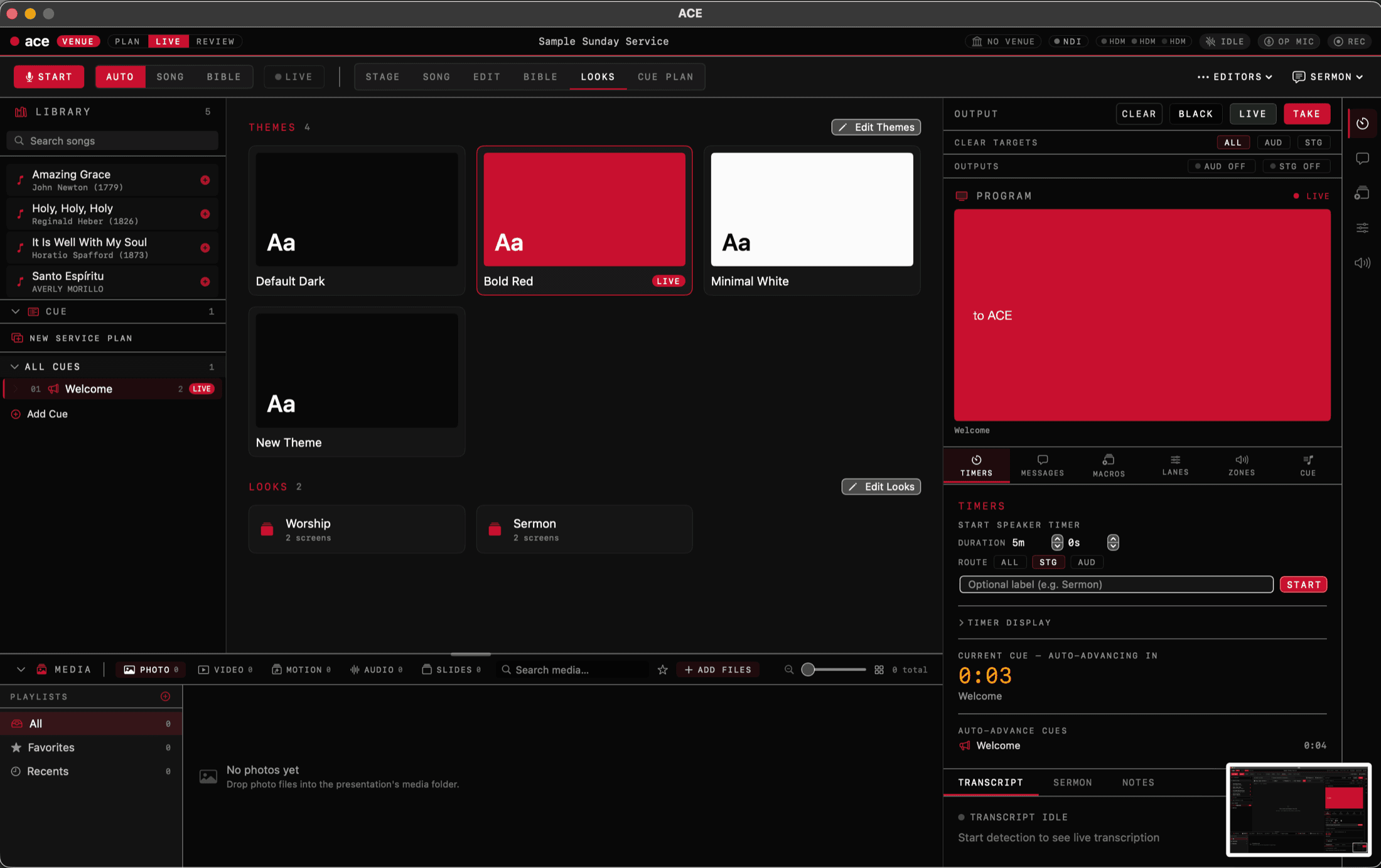
Design it exactly your way.
Full control over type, color, and background media per slide object — edit lyrics, scripture, and announcements live while the service runs.
One app, every live event
Built for any room where someone speaks and slides need to follow them.
The whole service, covered.
From the first song to the closing word — ACE keeps the right content on screen without the team having to manage slides.
The lyrics advance on their own
ACE listens to the music and follows along verse by verse. The right lyrics reach the audience screen the moment the team sings them — no operator needed to click forward.
Bible references appear as they're spoken
When a preacher says "turn to John 3:16", ACE recognises the reference and brings up the passage. The operator never has to type anything.
Build the order of service. Run it live.
Drag songs, scripture, announcements, and media into a plan. Activate it, hit Go, and ACE follows your sequence — ready to jump ahead or hold back whenever the service changes.
The team sees what's coming next
A dedicated stage output shows the current slide, the next cue, and a live read on what ACE is listening to. The team knows what's on the audience screen without needing to look.
The whole app, in your language.
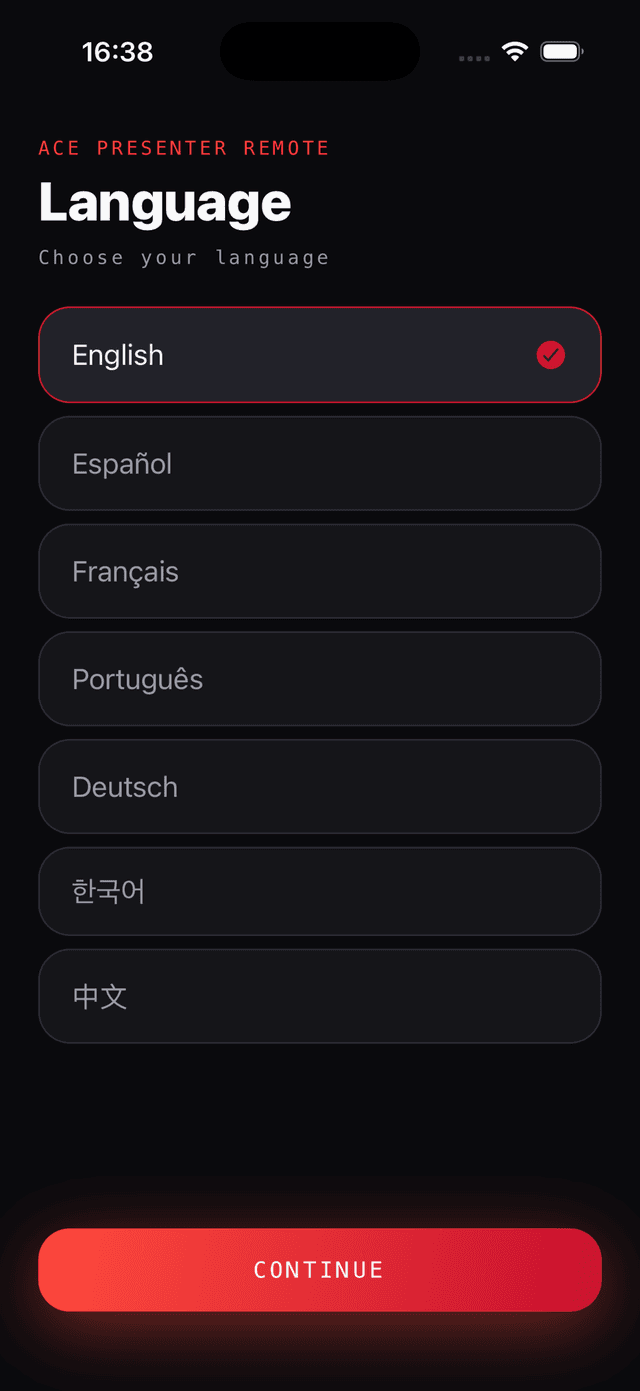
Not a translated menu bar with English underneath — every panel, setting and message, on Mac and Windows alike. Arabic reads right to left, with the entire layout mirrored.
- EnglishEnglish
- EspañolSpanish
- FrançaisFrench
- DeutschGerman
- PortuguêsPortuguese
- РусскийRussian
- 한국어Korean
- 简体中文Chinese (Simplified)
- العربيةArabic
Choose yours in Settings — it does not have to match your computer’s language. Detection understands more languages still, including ones the interface is not yet translated into.
Control from anywhere
in the room.
The ACE Remote app connects to your Mac over Wi-Fi. No setup beyond your local network — open the app, connect, and you have full control from your phone.
- Next, previous, and blank from your pocket
- See the current cue and what's coming next
- Search your song and Bible library on-the-fly
- Toggle audience and stage screens remotely
Available for iPhone and Android · connects over local Wi-Fi
Free to start. Built to grow.
Start free with no limits on your content. Upgrade when you need more outputs, no watermark, or seats for your whole team.
- ✓Unlimited songs, slides, and cues
- ✓Automatic song and Bible detection
- ✓Import from ProPresenter
- ✓1 audience output
- ✓Detection in 12+ languages
- ✓Everything in Free
- ✓No watermark on any output
- ✓Audience screen + stage monitor
- ✓Looks and themes editor
- ✓Licensed Bible translations
- ✓Background video and media layers
- ✓Priority support
- ✓Or $279 / year
- ✓Everything in Pro
- ✓Multiple seats — use across your team
- ✓Shared song and media library
- ✓Central billing
- ✓Onboarding call included
ACE listens. You present.
Free tier available · Pro from $29/month